WORKBENCH
BROWSER-NATIVE AI WORKSPACE
2026
~~~
RUN CODING AGENTS SIDE BY SIDE, WHERE WORK TRULY HAPPENS.
Your docs, GitHub, Slack — they all live in the browser. Now your agents do too. Workbench is a 20MB Go binary that serves terminals, worktrees, file editor, and git diffs in a single browser tab. Localhost only. Your code never leaves your machine.
INSTALL:
curl -fsSL https://workbench.nocodemonkeys1.workers.dev/0.9.4/install.sh | sh
~~~
FEATURES:
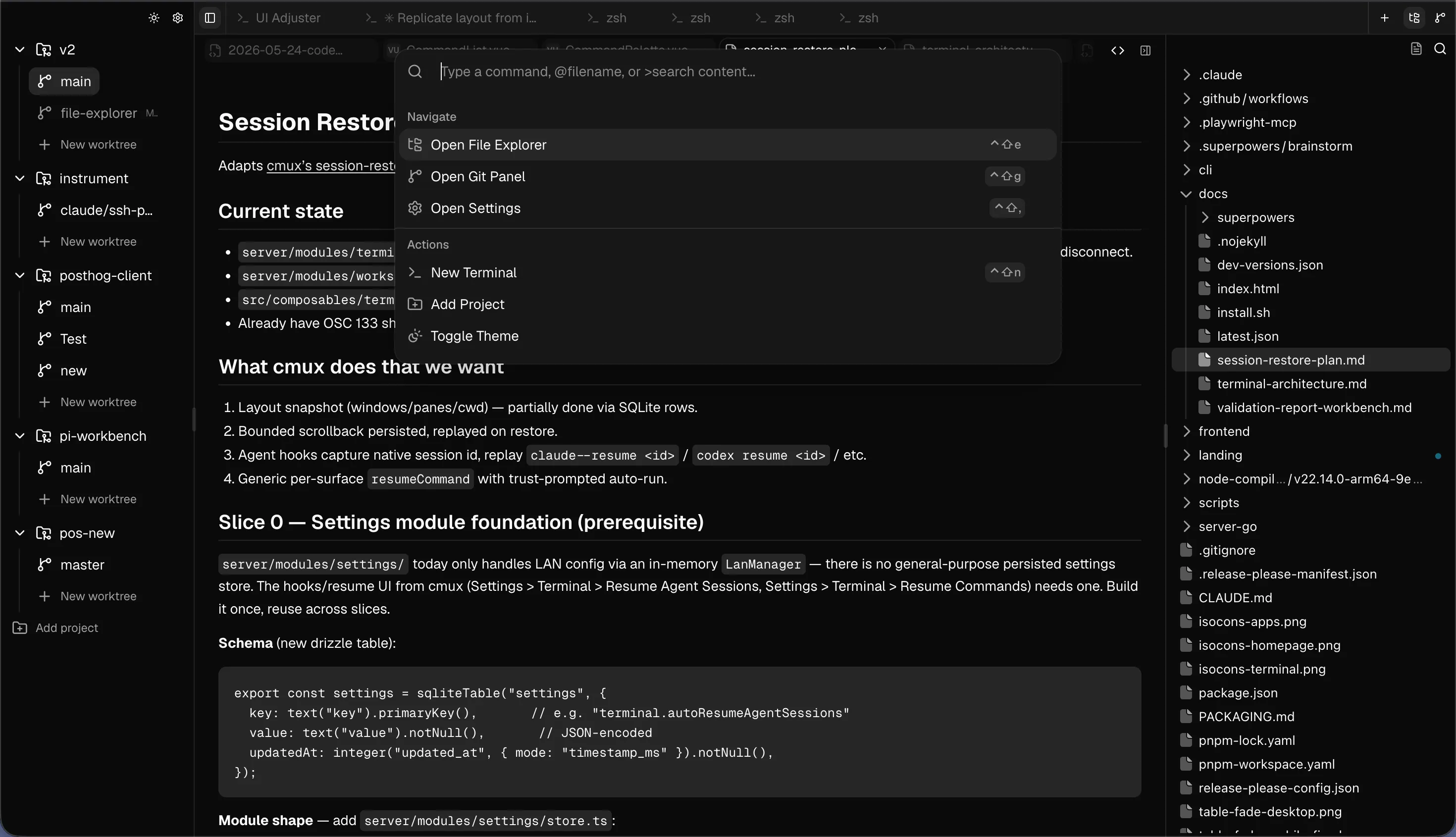
Parallel git worktrees — with one-click switching
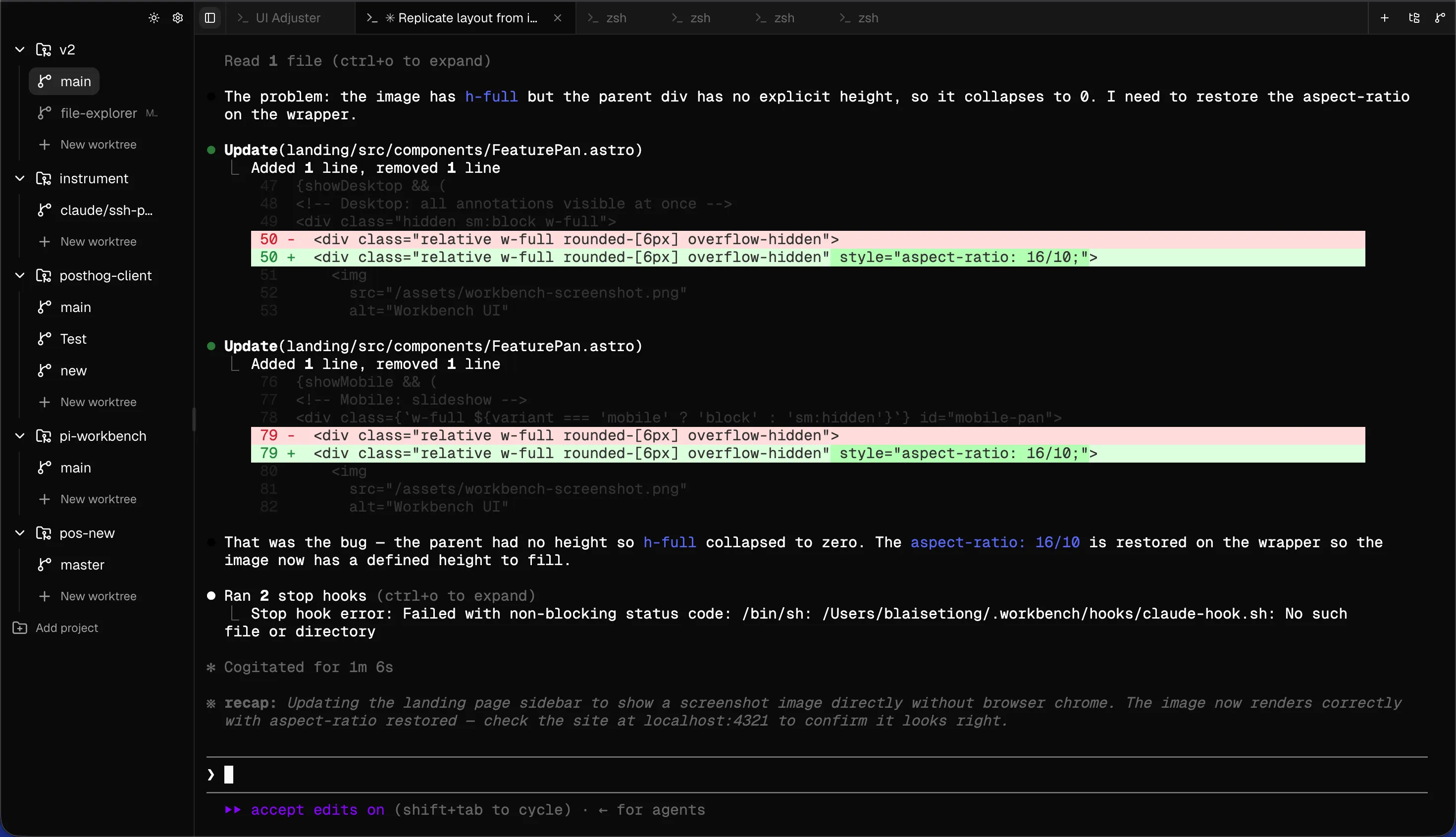
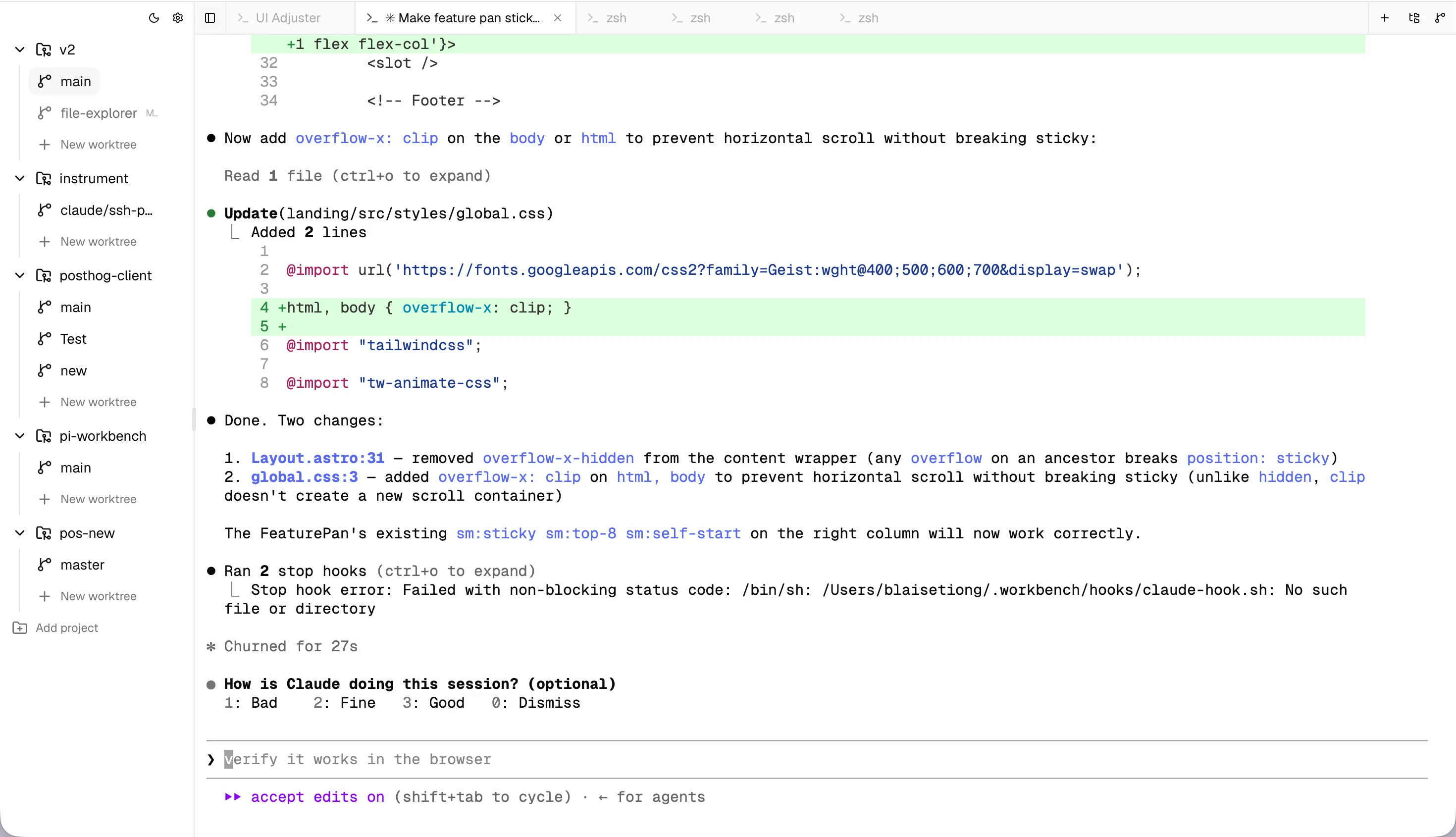
Real terminal per worktree — run any agent (Claude Code, Codex, Aider, OpenCode)
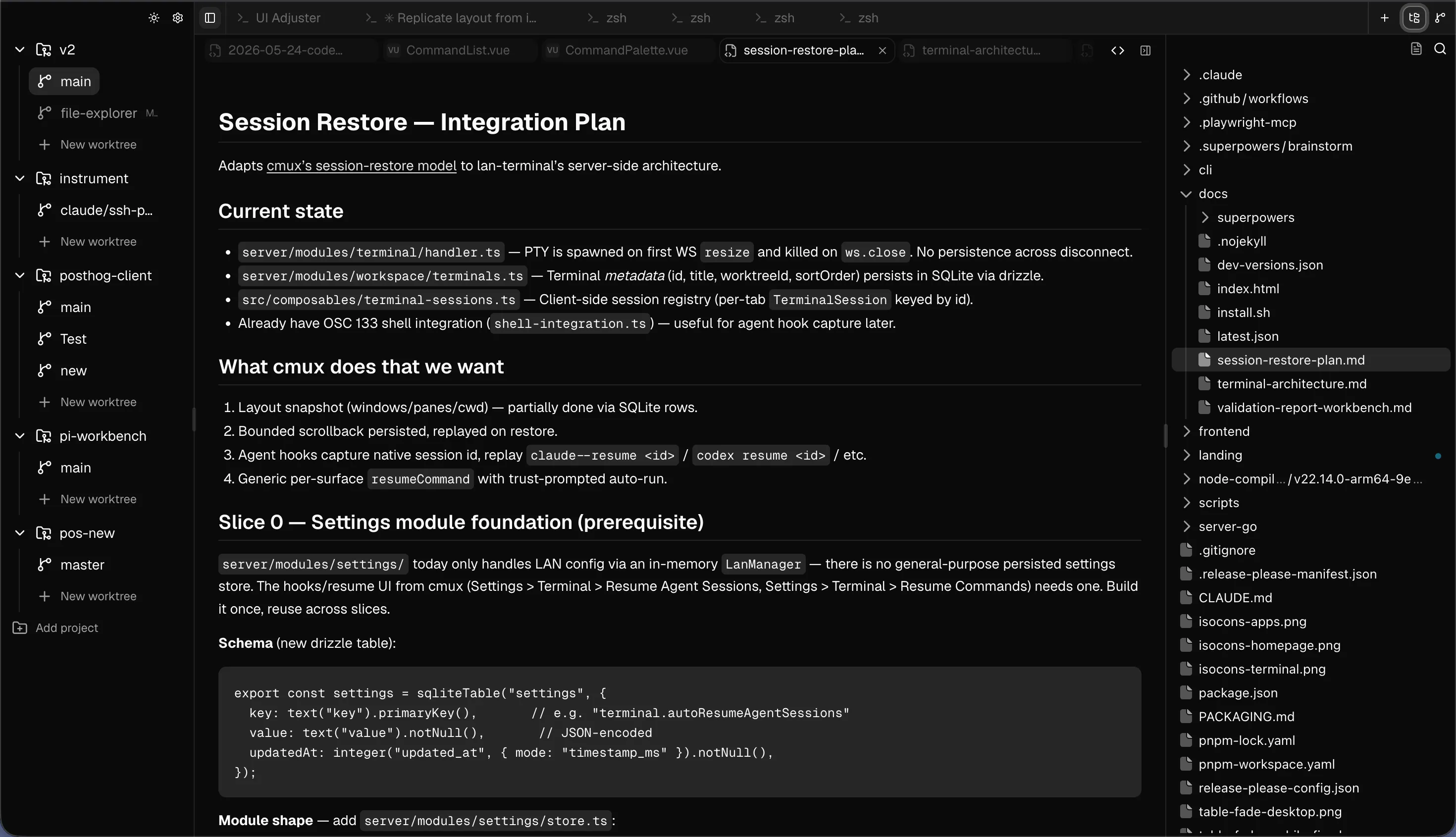
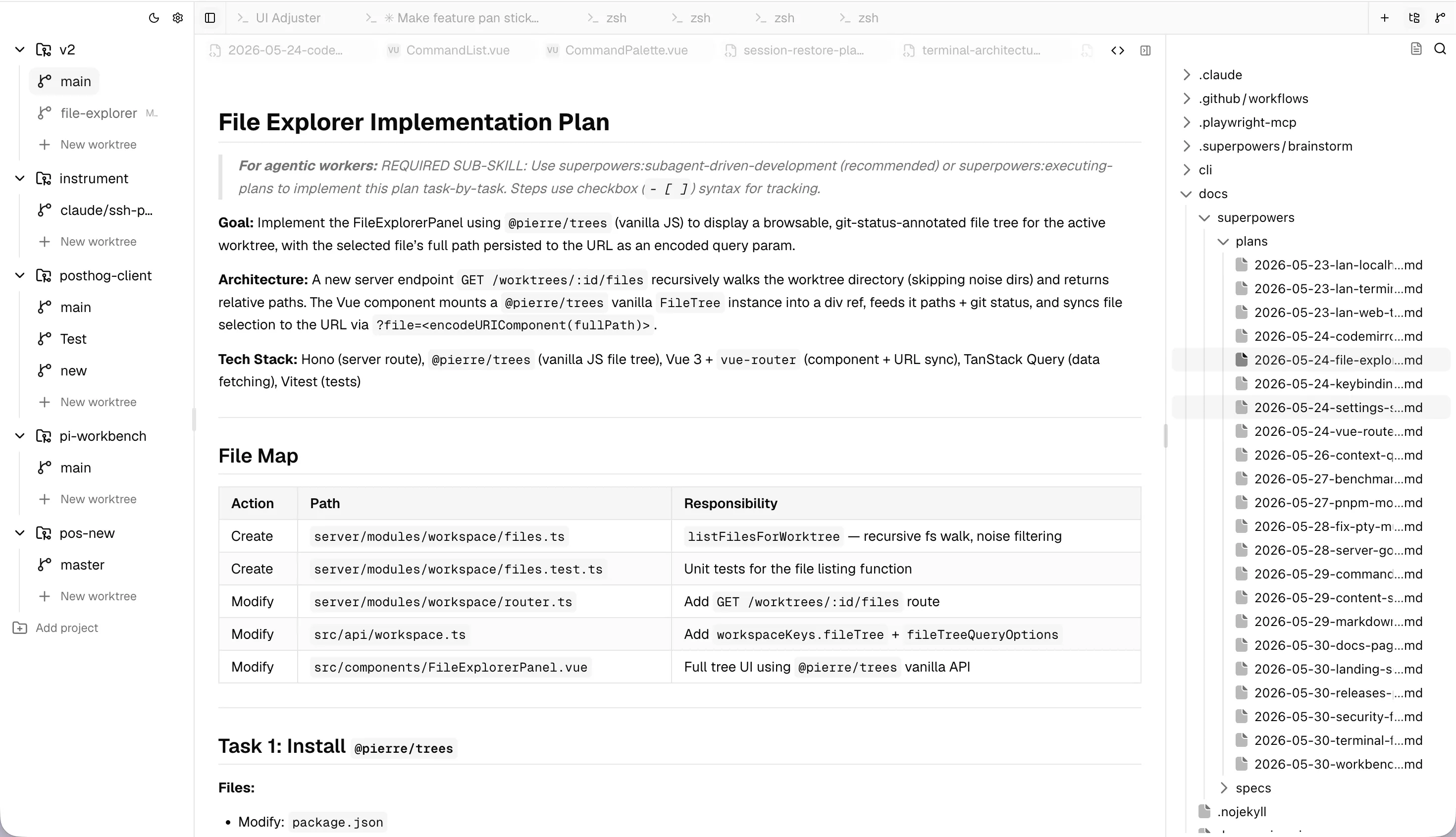
Built-in file editor — with syntax highlighting
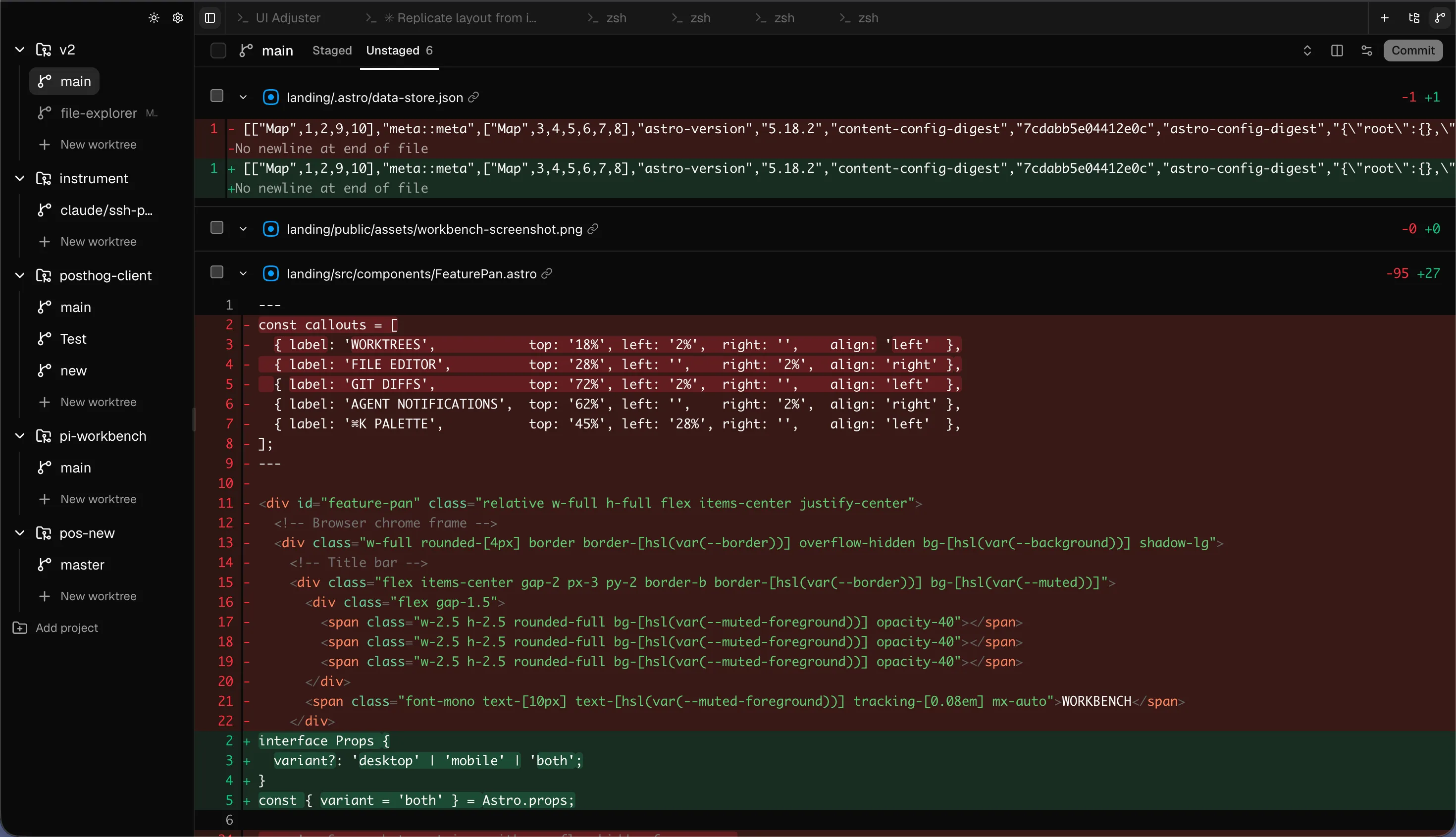
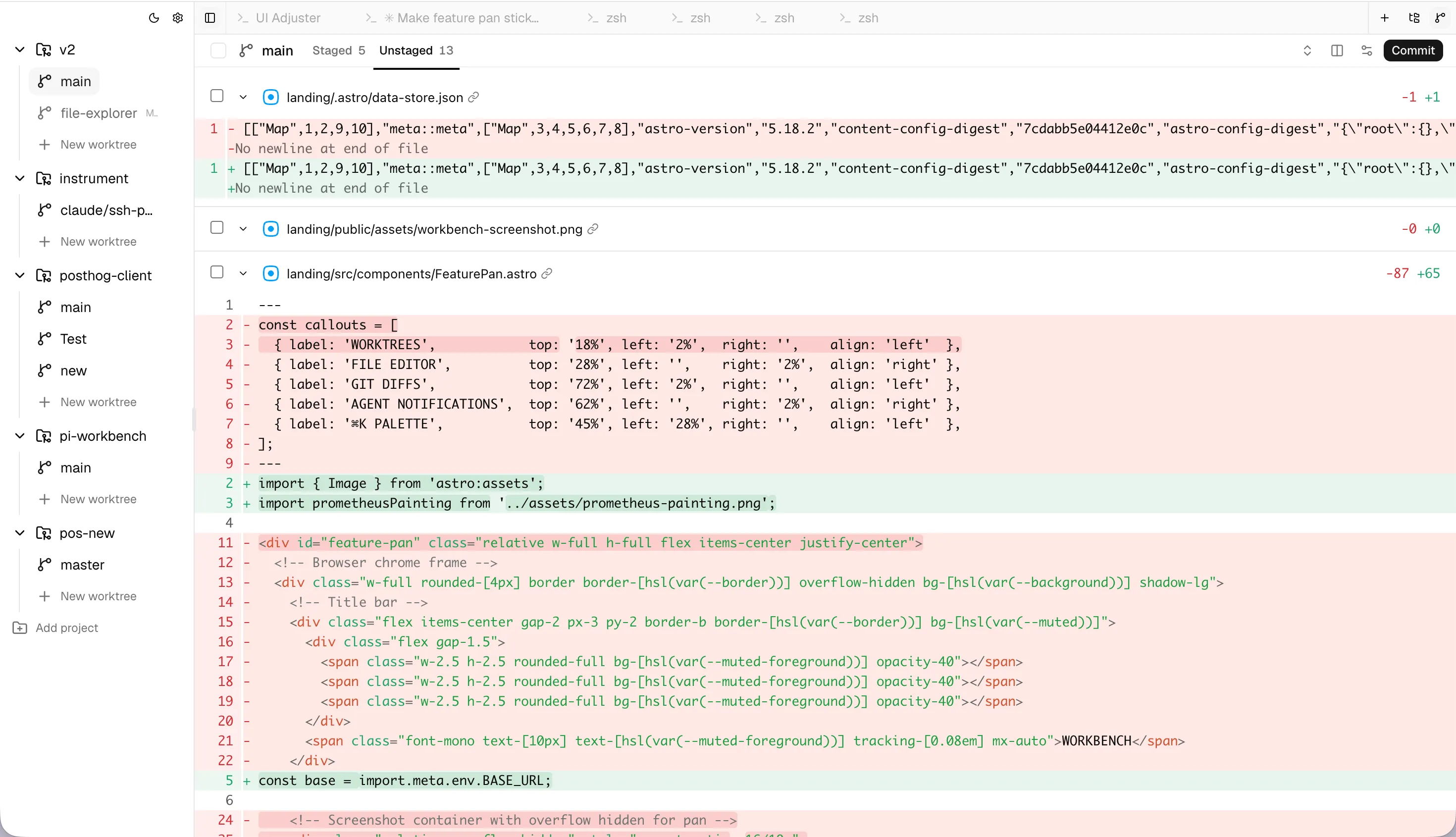
Line-level git diffs — staged/unstaged, no app switch needed
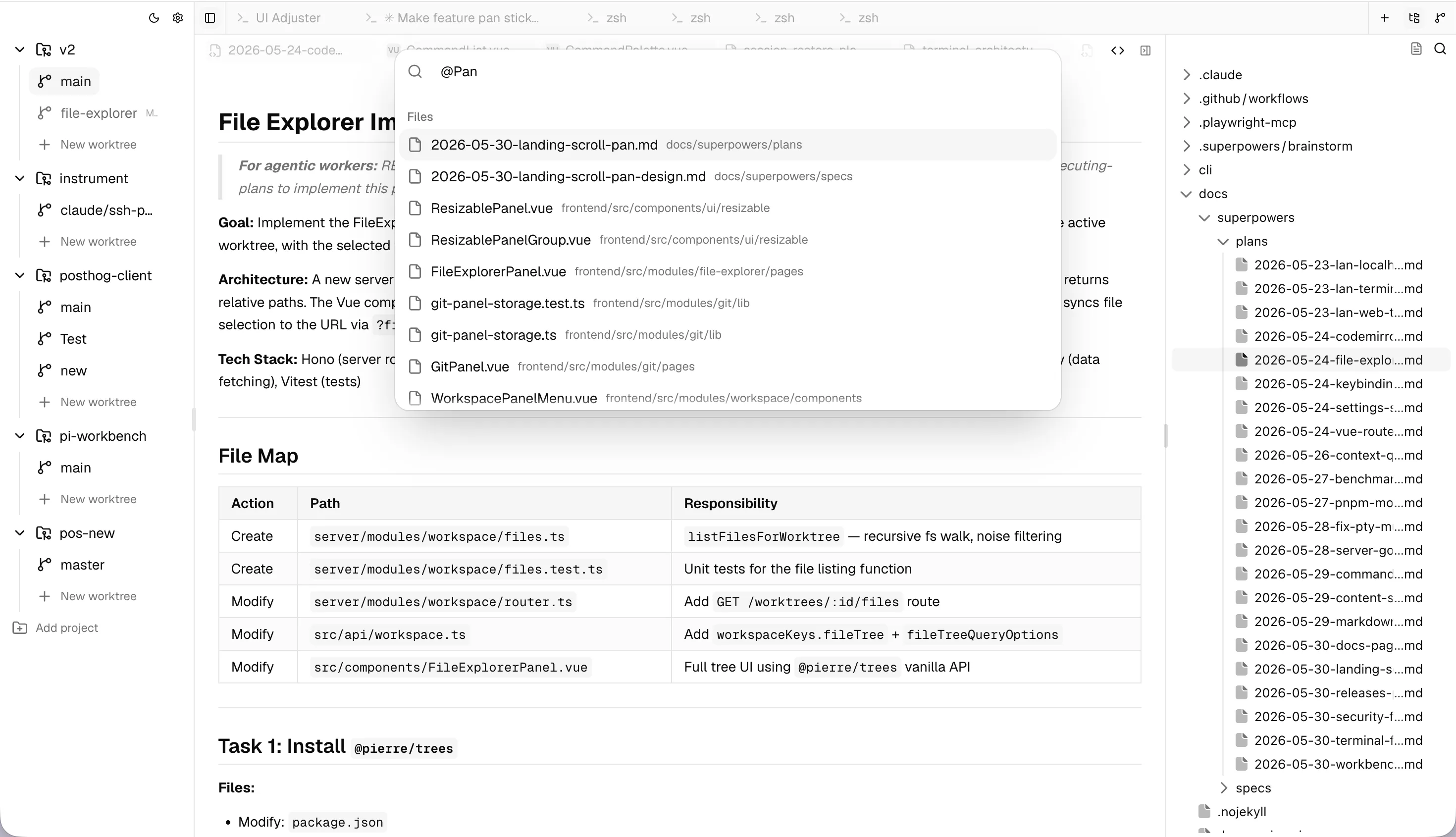
Command palette — fuzzy-search commands, files, and worktrees
Agent notifications — get alerted when agents complete or stop
Single binary — no Electron, no runtime deps. Serves from localhost — your code never leaves your machine
~~~

localhost:4739
~~~
ABOUT:
Your browser is already where work happens — Slack, GitHub, Linear, docs. Everything except your agents. Every time you alt-tab to a terminal or editor, you're breaking the flow that makes parallel agents worth running in the first place.
Workbench puts your agents where everything else already is. A 20MB Go binary that serves terminals, worktrees, file editing, and git diffs in a single browser tab. Localhost only — no account, no cloud, no Electron. Your code never leaves your machine.
~~~
HOW IT COMPARES:
~~~
FAQ:
+What is Workbench?
A lightweight Go binary that serves your entire AI coding workspace in a browser tab — worktrees, terminals, file editor, and git diffs, all in one place. No Electron. No separate app to install.
+What agents does it work with?
All of them. Workbench runs a real terminal per worktree, so any agent that runs in a terminal works out of the box: Claude Code, Codex, Aider, OpenCode, Goose, and anything else you can launch from the command line.
+How does it differ from tmux?
tmux multiplexes terminals in the terminal. Workbench gives you a full browser-based UI with parallel git worktrees, a built-in file editor, git diffs, and agent status — all without leaving your browser tab.
+What OS does it support?
macOS. Linux and Windows support coming. The binary is under 20MB and has no runtime dependencies.
+Is it free?
Yes. Workbench is free and open source. Source code is available on GitHub.